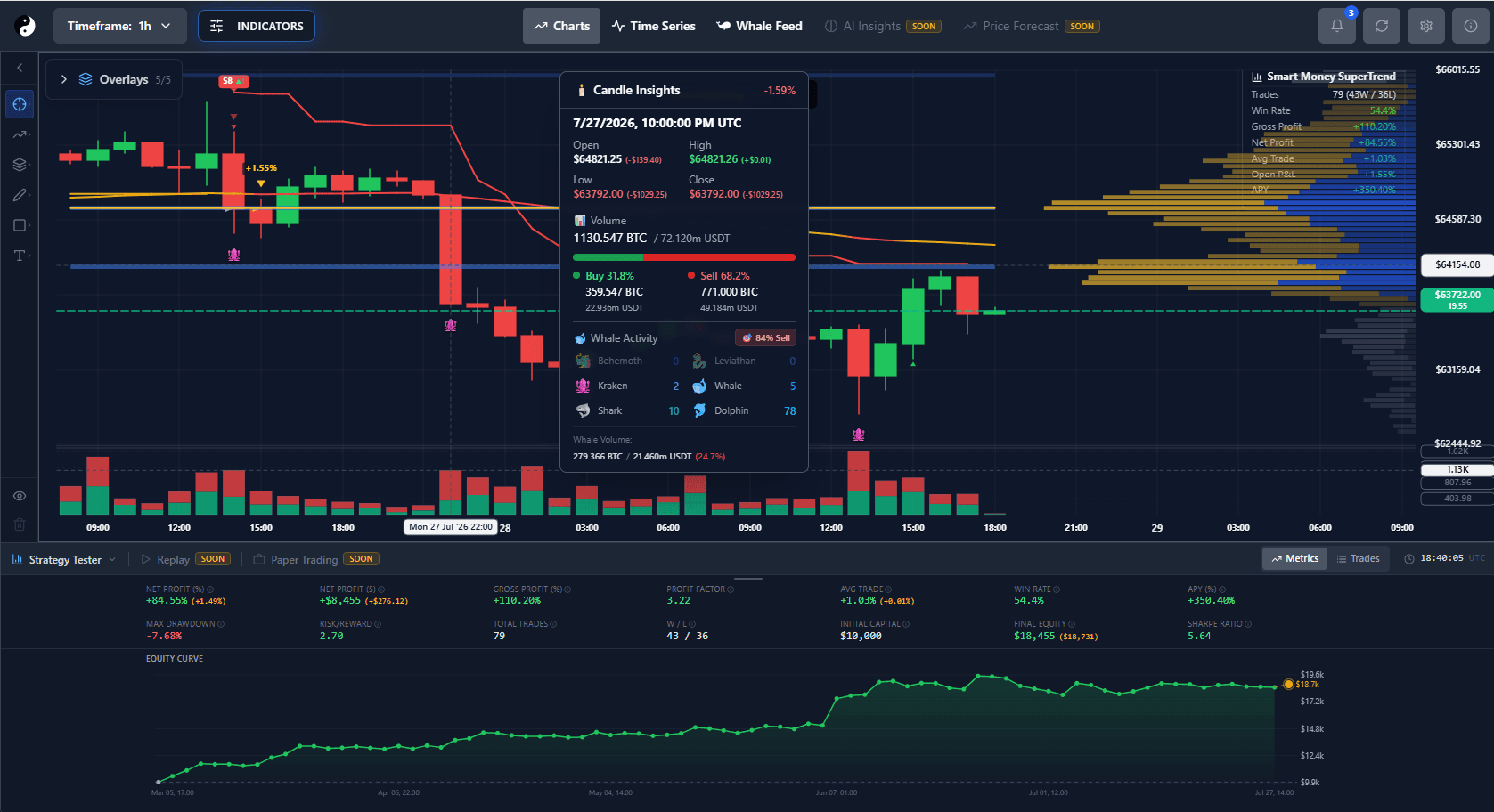
Step 1
Understand YinYang Adaptive Intelligence
YinYang Adaptive Intelligence is the umbrella capability for proprietary market-state analysis and server-side optimization. Adaptive Mode is its operating mode for supported tools; it is not a trained artificial-intelligence or machine-learning model.
Step 2
Choose Manual Mode or Adaptive Mode
Manual Mode applies the Smart Money SuperTrend values you configure. Adaptive Mode receives completed indicator output from the backend while its internal configuration remains private.
Step 3
Confirm plan and rollout access
At public launch, Adaptive Mode is included with Premium and Ultimate. During the employee beta, only authenticated employee accounts can activate it; Free, Essential, logged-out, or otherwise unauthorized accounts cannot bypass this server-enforced rule.
Step 4
Enable Adaptive Mode
Enable Smart Money SuperTrend, open its settings, find Mode near the top, and select Adaptive — Recommended. If the feature is locked, use the pricing action to compare Premium and Ultimate.
Step 5
Know why controls become unavailable
Manual parameters are inactive while Adaptive Mode is selected because they are not applied to backend-computed output. This prevents the two calculation paths from overlapping.
Step 6
Keep your Manual Mode settings
Your previous manual values are preserved. Switching back to Manual Mode restores them exactly and unsubscribes from Adaptive Mode without importing hidden adaptive values.
Step 7
Read market-condition labels
Trending, ranging, volatile, compressing, expanding, and transitional are broad descriptions of the current evaluated condition. They are not confidence scores or promises of performance.
Step 8
Wait for finalized candle evaluation
The private adaptive profile is reconsidered only after an authoritative candle closes for the selected timeframe. It is not selected again for every trade, chart render, or unfinalized tick.
Step 9
Interpret displayed history correctly
Adaptive Mode applies the current adaptive configuration across the bounded history shown on the chart. It does not represent which configuration would have been chosen at every historical point and is not a historically adaptive backtest.
Step 10
Read Current, Recovering, and Stale
Current means the output is based on the latest expected finalized candle. Recovering means a bounded retry is underway. Stale means an expected candle or computation is late; the last valid line remains visible with a warning and is not silently replaced by Manual Mode.
Step 11
Switch timeframes safely
Changing timeframe leaves the previous shared room before joining the new one. A fresh authoritative snapshot for the selected timeframe replaces the old output, and out-of-order updates are ignored.
Step 12
Reconnect authoritatively
After a socket reconnect, the chart requests a fresh snapshot. A short backend grace period allows quick reconnection without creating a duplicate calculation stream.
Step 13
Understand private internal values
The browser receives only the points needed to render and safe metadata. Internal parameters, candidates, thresholds, weights, scores, and rejected configurations are intentionally not shown.
Step 14
Use it without performance assumptions
Adaptive Mode does not guarantee optimal settings, better performance, profit, or future results. Use it as one analytical input and manage trading risk independently.
Step 15
Upgrade when public access opens
Premium and Ultimate include supported Adaptive Mode features at public launch. Compare current availability and billing at https://yinyangalgorithms.com/#pricing; a coming-soon label means the public rollout has not opened yet.